
Microsoft Teams - Post Content In Your Channels Using An Email
Author: Zaro Posted: 11 May 2020 Viewed: 8066 times Tags: #Windows 10 #MS teams
You can post in your channels by just sending an email from your email account.
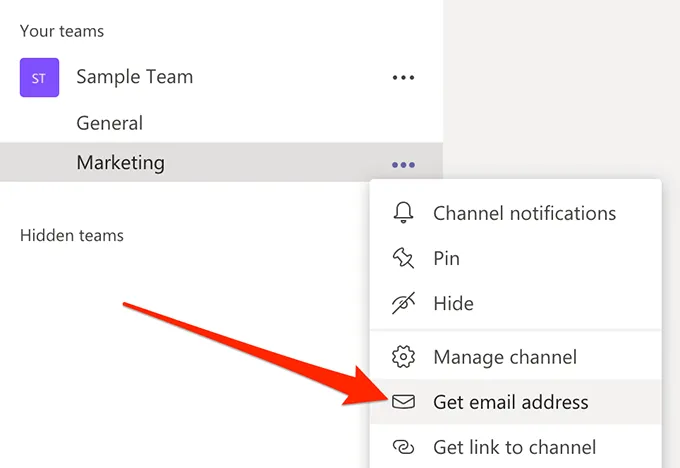
Find the channel where you want to post, click on the three-dots next to it, and choose Get email address.
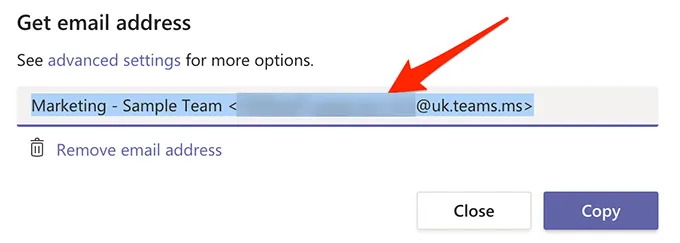
Any emails you send to the email address shown on your screen will be posted in the chosen channel in Teams.