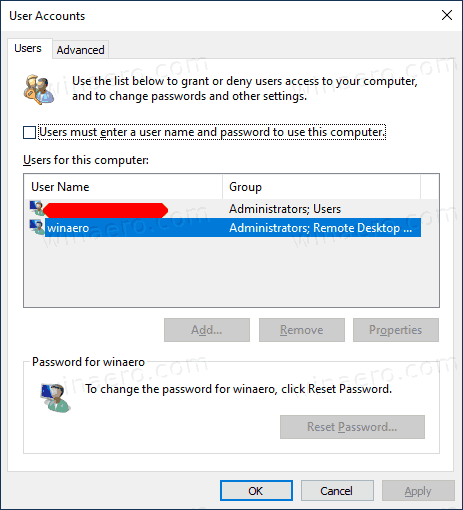

Automatically Sign into Windows 10
Author: BretK Posted: 13 May 2020 Viewed: 3687 times Tag: #Windows 10
How to Automatically Log Into Windows 10
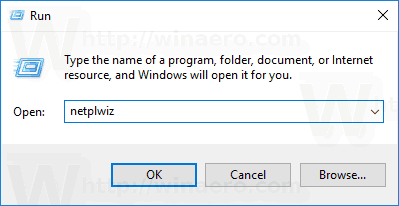
1. Windows Key+R to bring up the Run dialog.
2. Type: netplwiz and hit Enter or click OK.
3. Uncheck Users must enter a user name and password to use this computer and click OK.
4. Enter in your user name and the password you use to log into your system twice and click OK.