
Fix switch speakers to include audio error issue in teams
Author: Chenhao Posted: 28 May 2020 Viewed: 46136 times Tags: #Windows 10 #MS teams
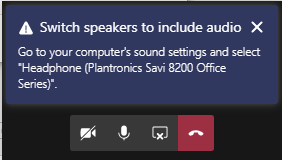
Error: Go to computer`s sound settings and select ... "
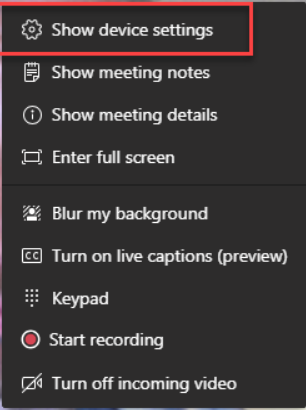
In your meeting select more actions (…) and then select Show device settings.

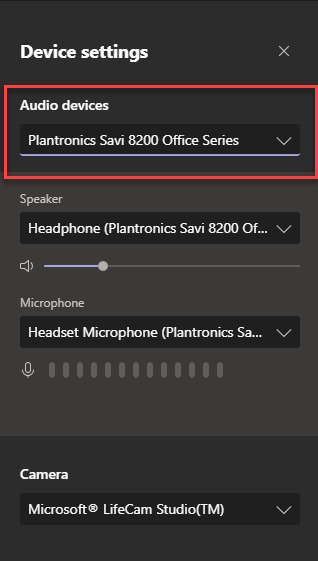
Select another Audio device E.g PC MIC and Speaker