
Block Websites Using Your Hosts File
Author: Gizmo Posted: 6 June 2020 Viewed: 5406 times Tags: #Windows 10 #Network
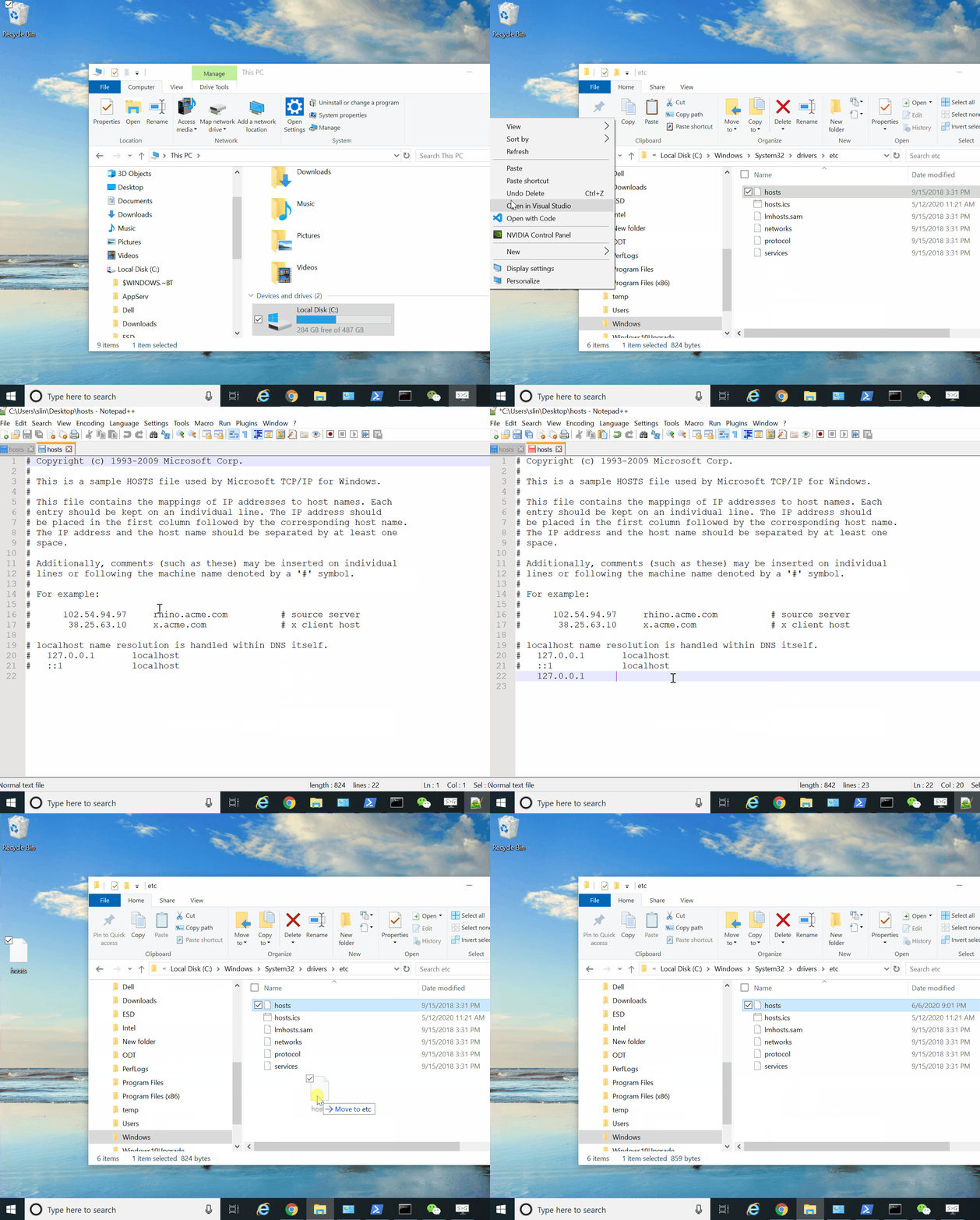
The HOSTS file is located in the following locations for the respective versions of Windows:
Windows 7, 8, 10, Windows Vista, Windows XP, Windows Server 2003:
C:\WINDOWS\system32\drivers\etc
For example, you want to block www.facebook.com