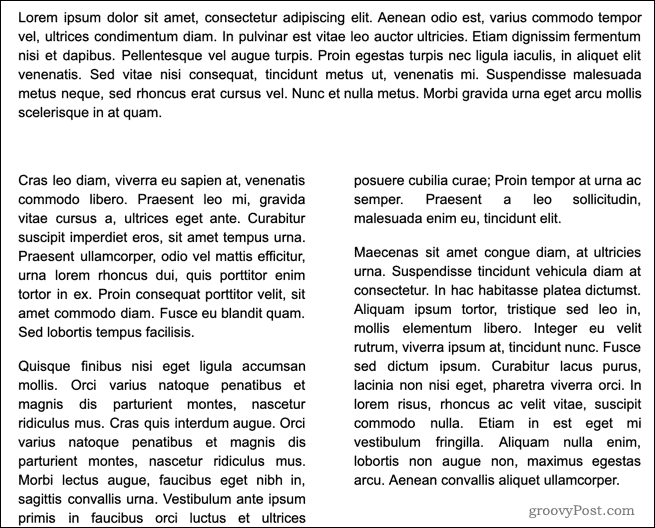
Make Two Columns in Google Docs
Author: Ben Posted: 21 June 2020 Viewed: 6487 times Tag: #Windows 10
1. Highlight the text that you want to split up
2. Click on the Format menu in the Google Docs menu bar

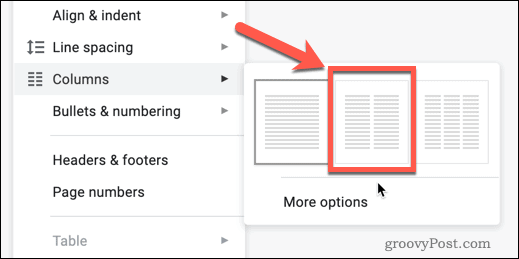
3. In the Format menu, hover over Columns, then click the two columns icon in the middle
4. The text you selected will be split into two columns