

Enabling S/MIME in Outlook for iOS
Author: Ross Posted: 16 July 2020 Viewed: 9389 times Tag: #Iphone
MIME needs be enabled for Outlook for iOS to view S/MIME-related content
1. Tap to open Outlook App from your IPhone

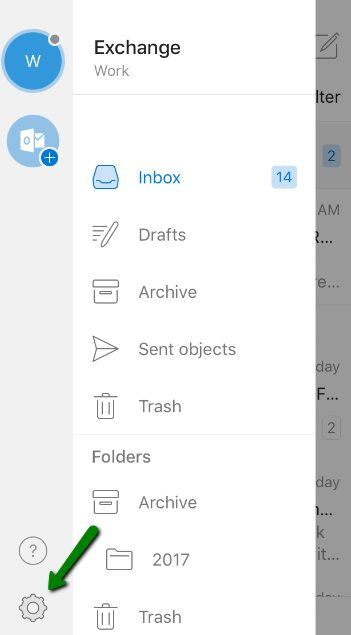
2. Tap on the Gear Icon to Open the Setting
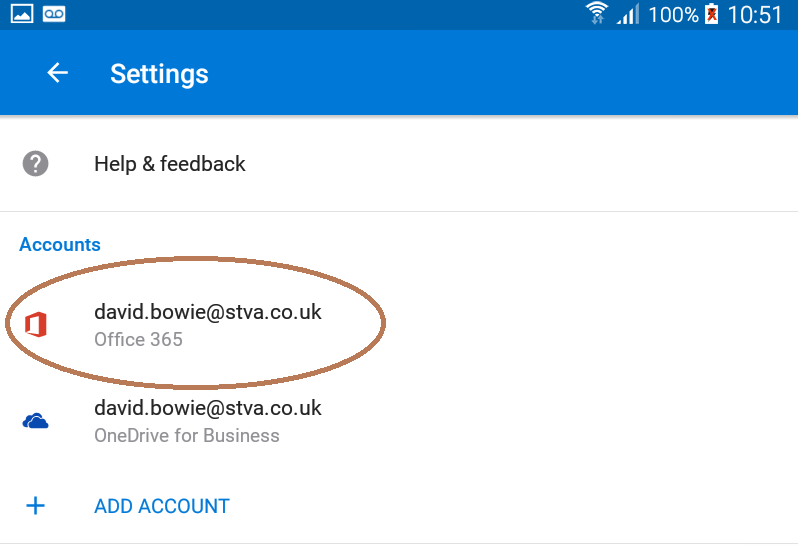
3. Choose the Email account which you will like to enable the S/MIME
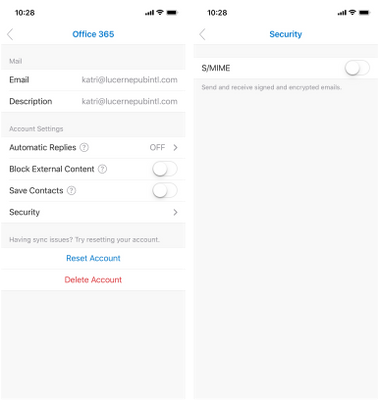
4. Tap on Security, and tap the S/MIME control, which is off by default.
Note: When the S/MIME setting is enabled, Outlook for iOS and Android will automatically disable the Organize By Thread setting.