
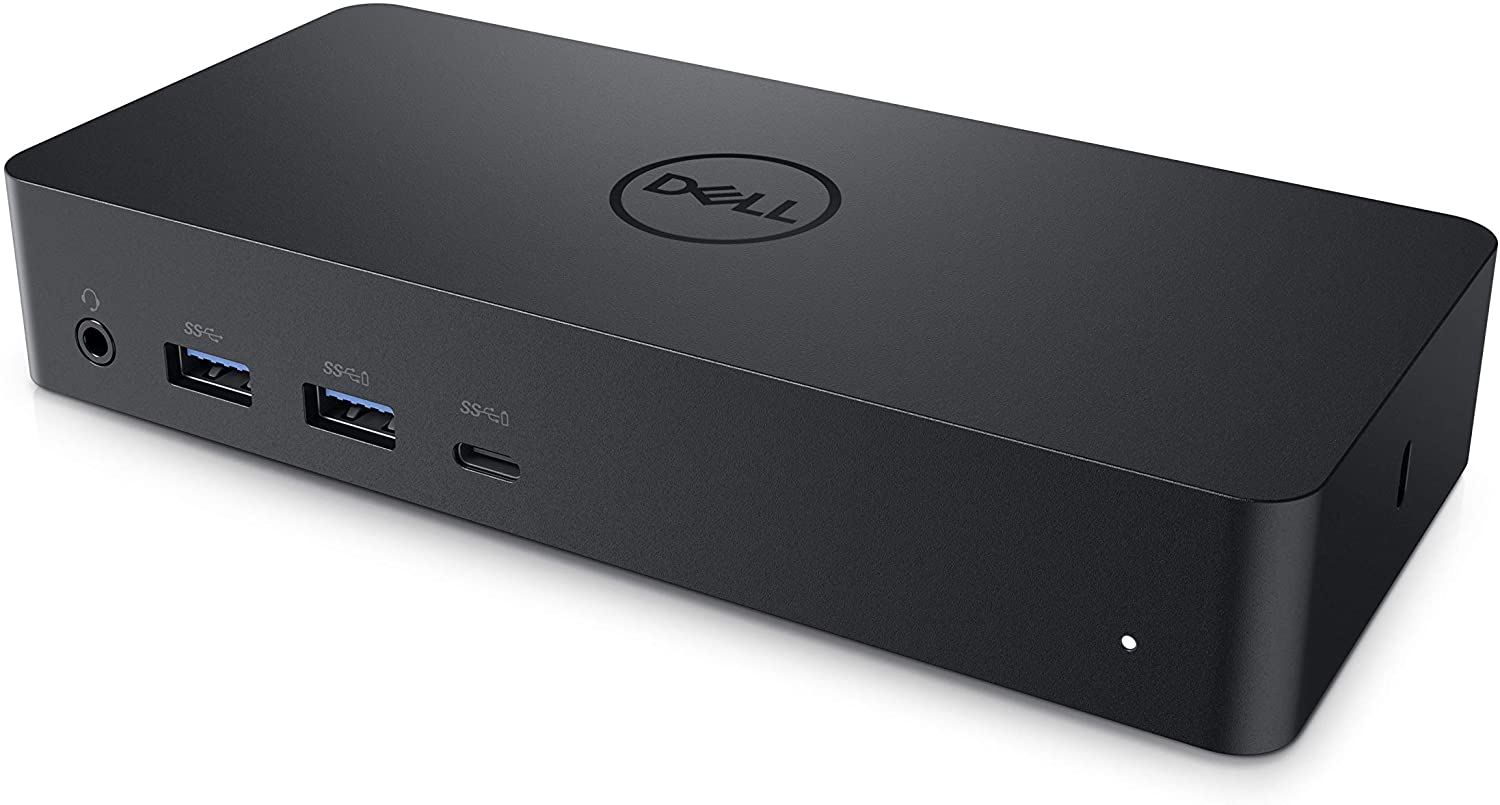
Make dell D6000 docking station works on my MacBook.
Author: YC Posted: 21 November 2021 Viewed: 9118 times Tag: #Mac OS
Dell D6000 dock with MacBook pro does not work after upgrading to Catalina. It looks as if the Mojave drivers just don`t work on the new os. Fortunately, it can be fixed by updating Dell D6000 firmware to A03.
Update Dell D6000 firmware
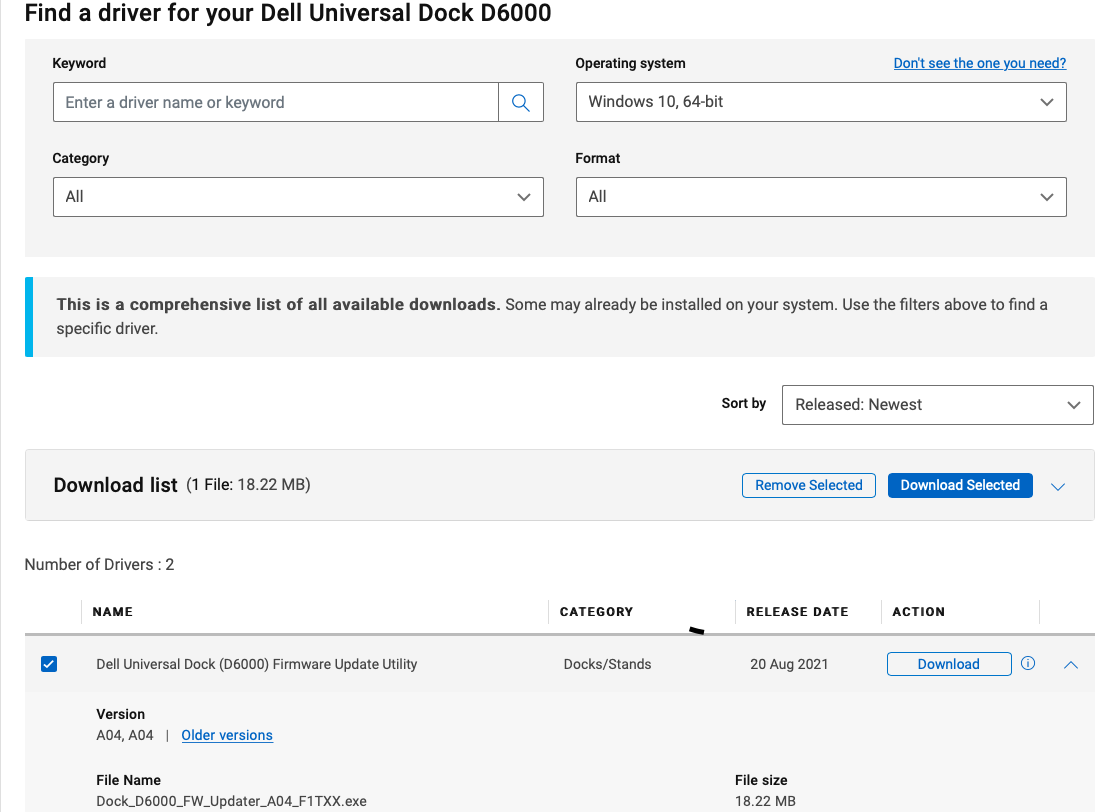
1. Plug in your D6000 to a computer with Windows Operation system E.g Win 10
2. Download and update the firmware: dell.com
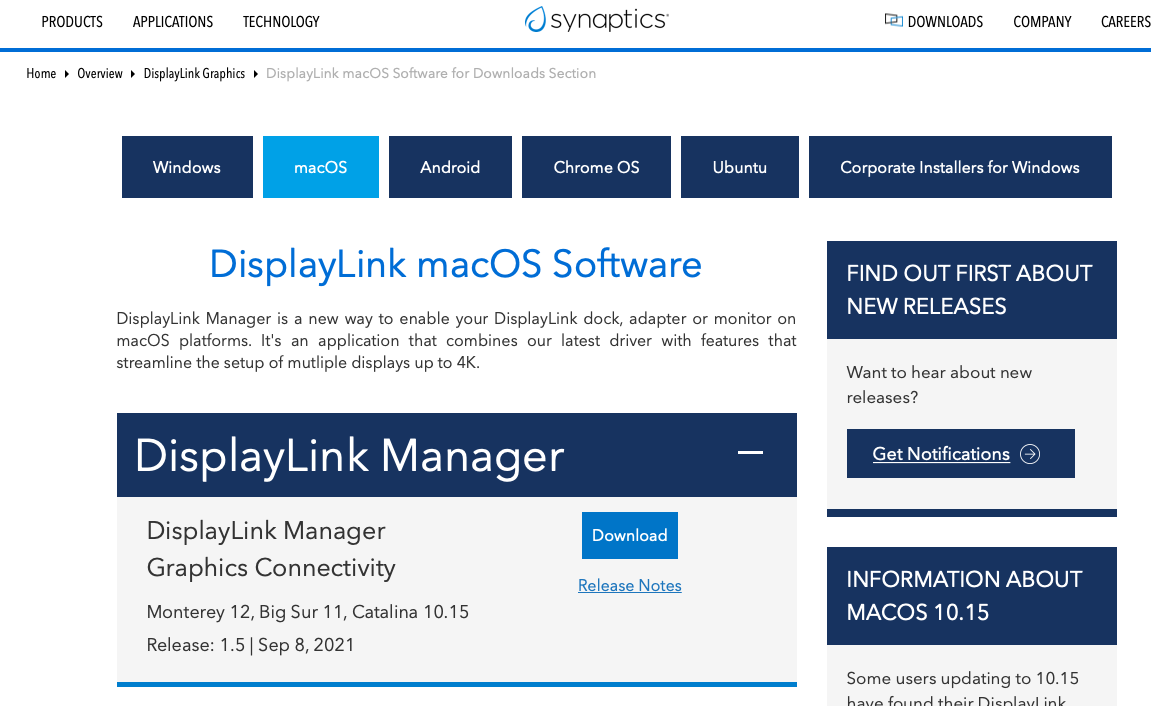
Install drivers on your MacBook
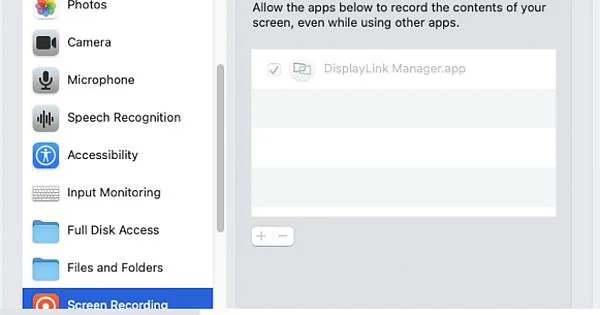
Download and install DisplayLink Manager on MacBook : synaptics.com
Note that you need to enable the screen recording for the app. Then, reboot the machine.