

Clear windows update cache in Windows 10 / 8 / 7
Author: Seeme Posted: 7 May 2020 Viewed: 14882 times Tag: #Windows 10
Clear Windows Update cache in Windows 10 / 8 / 7
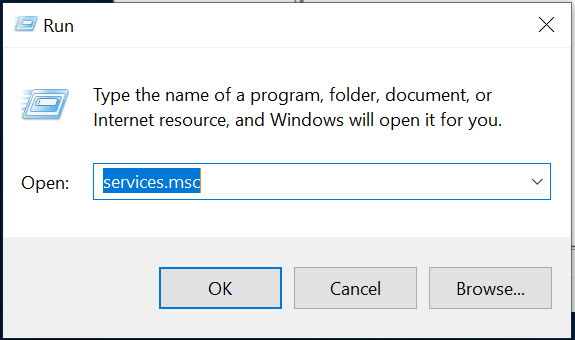
1. Press Win + R and then type services.msc and hit Enter.
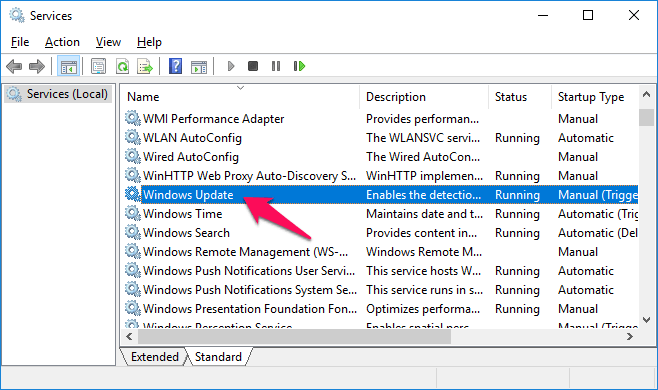
2. Find and double click on Windows Update and then click on Stop button.
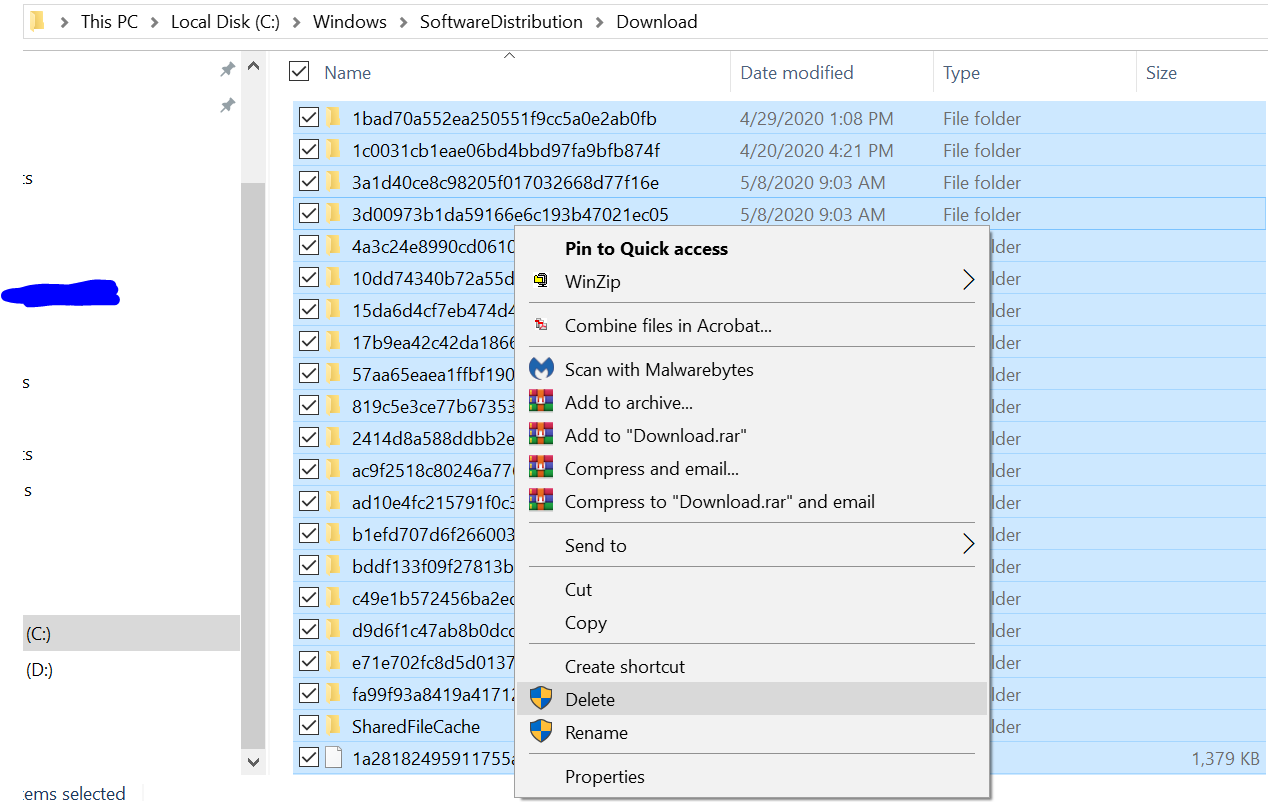
3. To delete Update cache, go to - C:WindowsSoftwareDistributionDownload folder.
4. Press CTRL+A and press Delete to remove all files and folders.
5. Again press Win + R and then type services.msc and hit Enter.
6. Find and double click on Windows Update and then click on Start button.