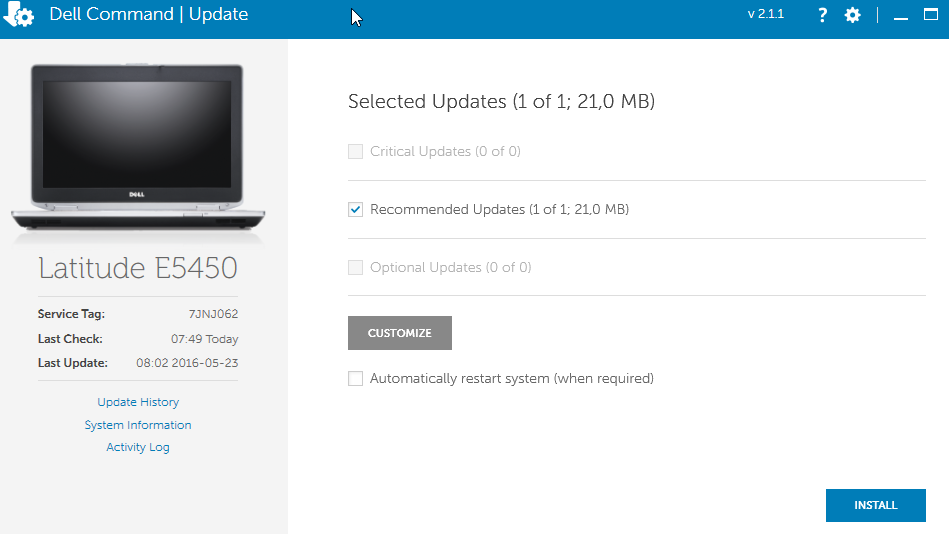

Reinstall Graphic driver and sound driver for Dell machine
Author: Ramsay Posted: 8 May 2020 Viewed: 26489 times Tags: #Windows 10 #Dell
Reinstall Graphic driver and sound drivers
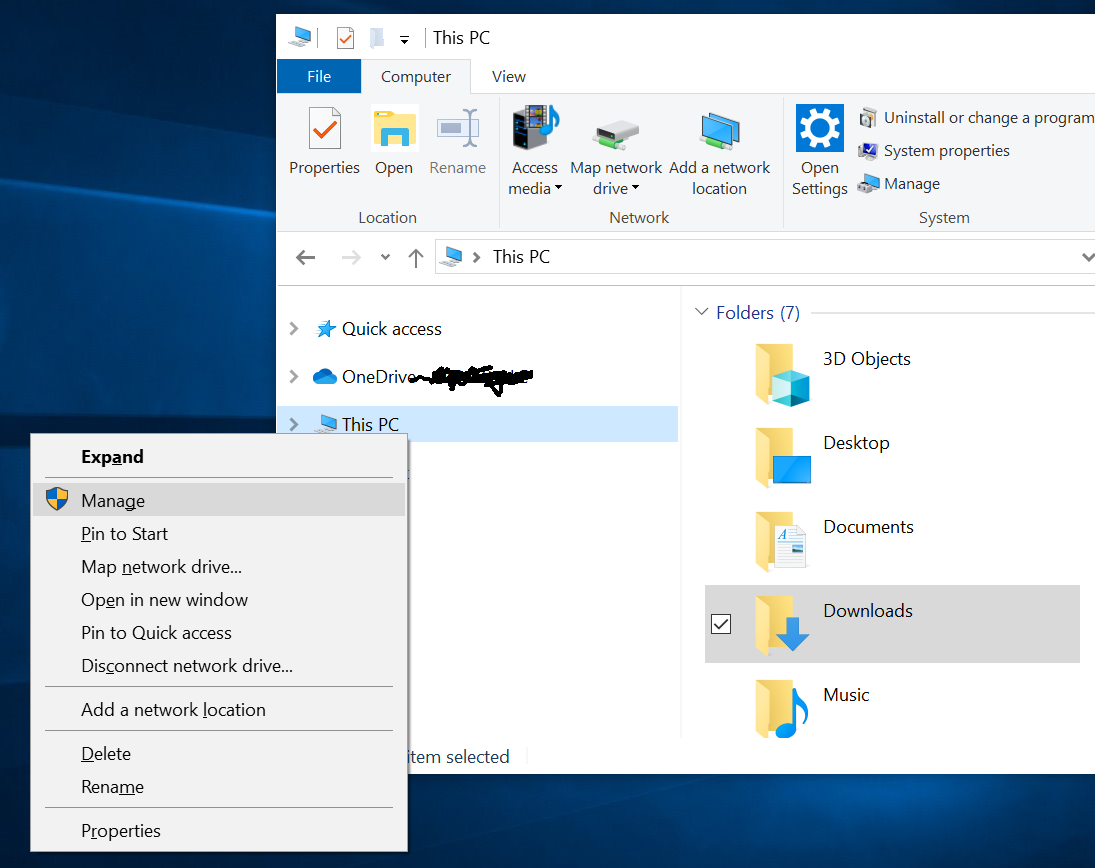
1. Open File Explorer > Right Click on This PC > Select Manage
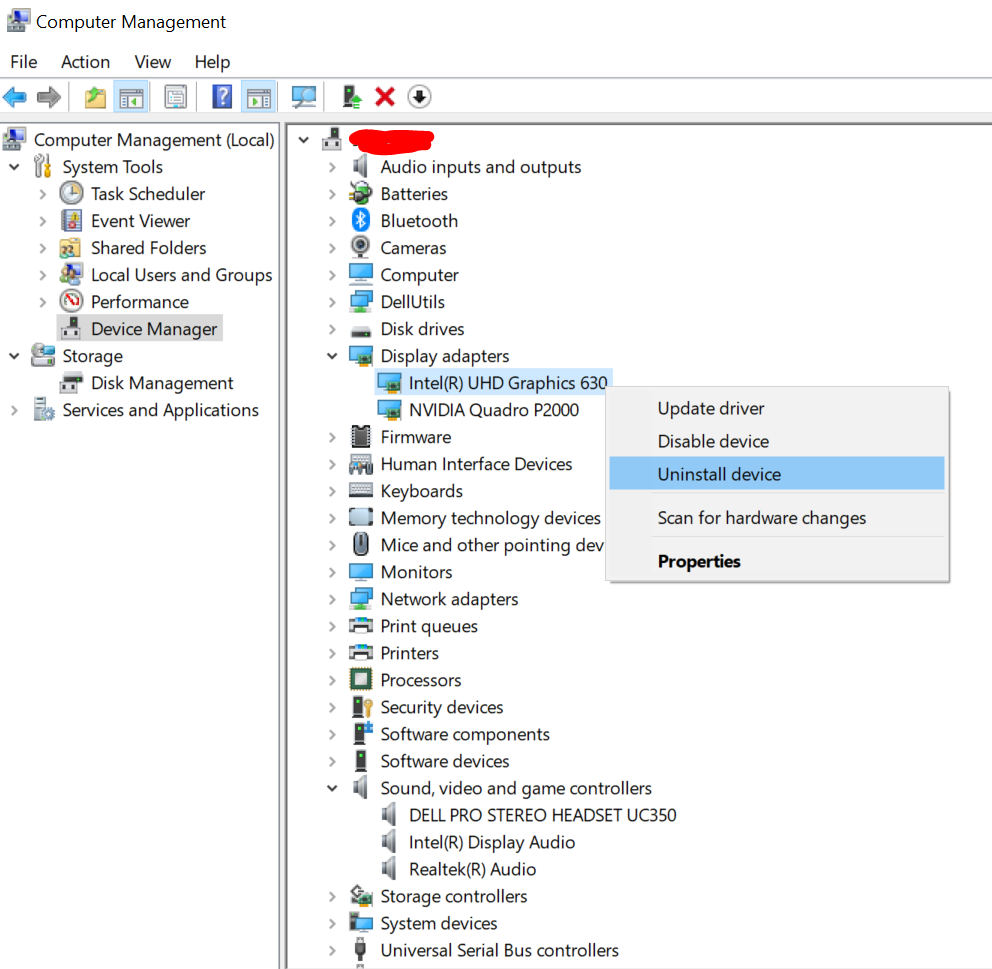
2. Open System Tools > Select Device Manager > Uninstall adapters under Display Adapters and Sound, video game Controllers
3. Restart your computer
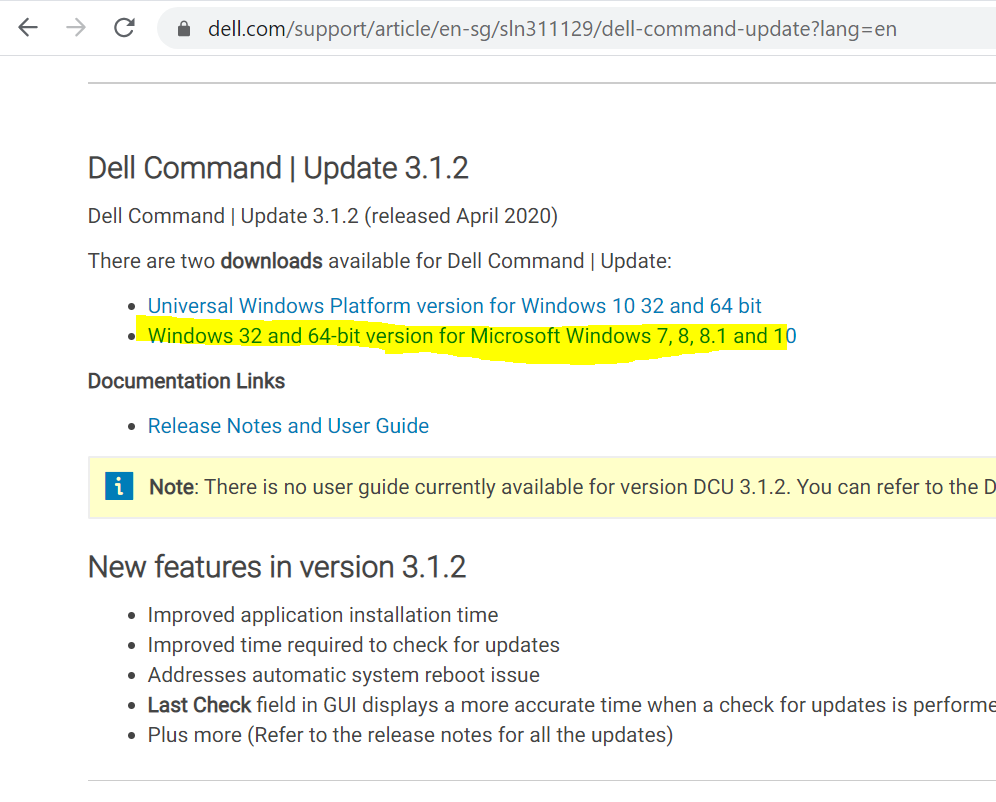
4. Visit: dell.com
Download and install Dell Command | Update
5. Run Dell Command | Update application to update all the drivers