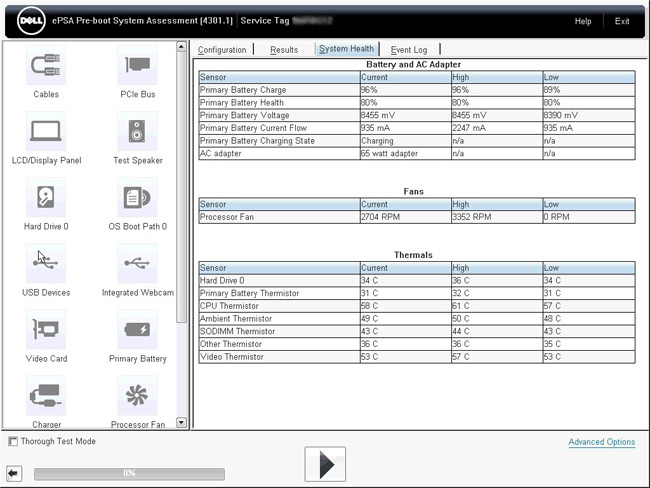

Run Dell hardware diagnostics
Author: Wayne Posted: 8 May 2020 Viewed: 64028 times Tag: #Dell
Dell Diagnostics
1. Press and hold the Fn key and power on your laptop while holding down the Fn key
Or
1. Restart the computer.
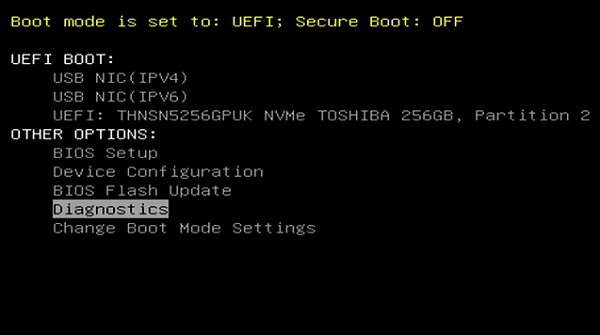
2. When the Dell logo appears, press F12 key to enter One-time Boot Menu.

3. Use the arrow keys to select Diagnostics and press Enter key on the keyboard.
4. Follow the on-screen prompts and respond appropriately to complete the diagnostics